

.svg)
.svg)
What’s a CMS? Which One Should I Use?

Before we get into platforms, let’s get clear on the basics.
A CMS — short for Content Management System — is simply a tool that lets you update your website without touching code. Think of it as a clean back-end where you can swap photos, edit text, publish blogs, or add pages whenever you need to. I’m actually using Webflow’s CMS to write this post!
A good CMS makes it easy to keep your site fresh without calling a developer for every small change. For most businesses, that flexibility is a must.
There are a lot of CMS options out there today, but the major players right now are WordPress, Shopify, Webflow, Squarespace, and Wix.
(There are others like Drupal, Joomla, and a handful of headless CMS tools, which I’ll touch on at the end.)
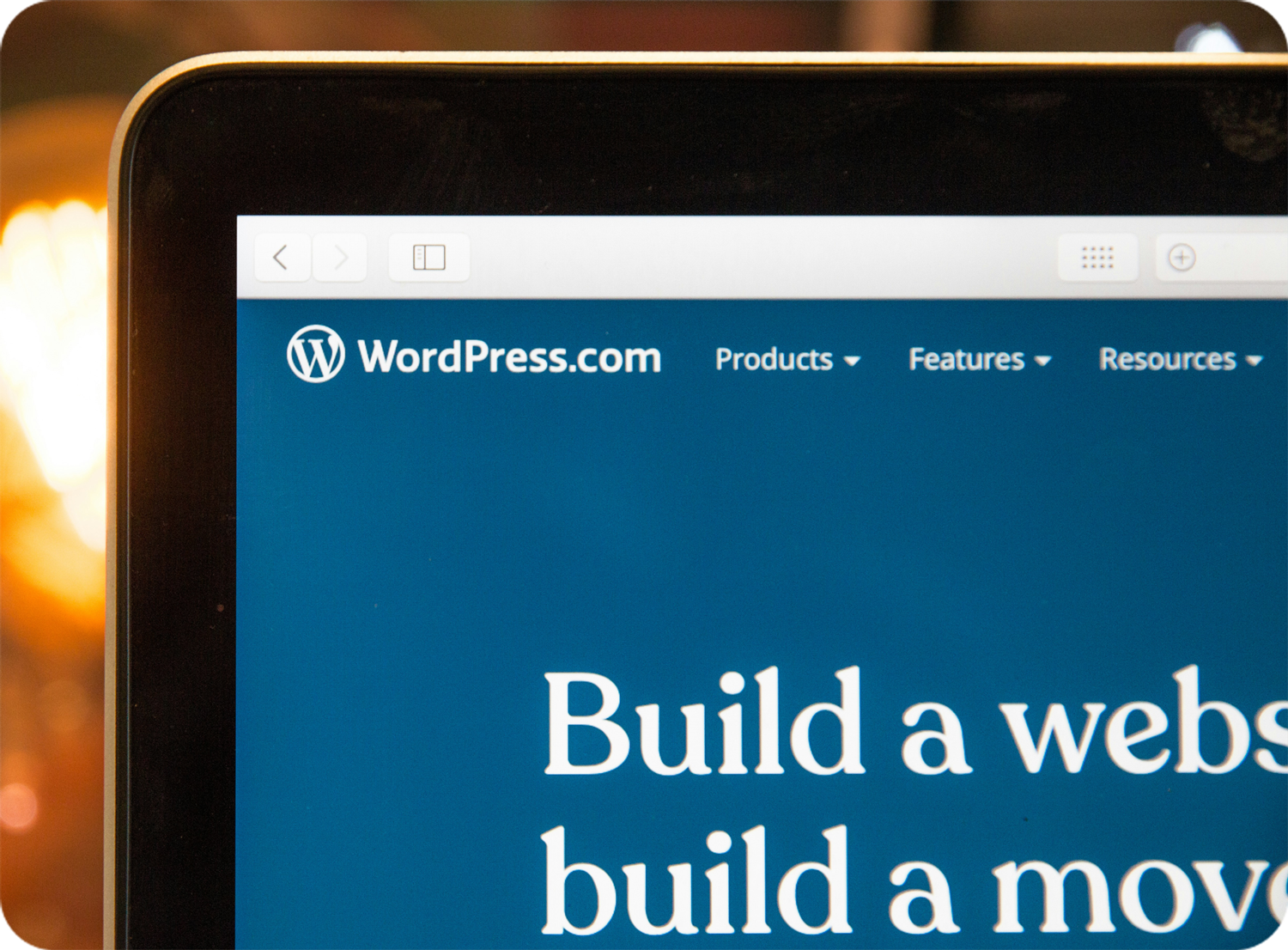
WordPress (about 40 percent of all websites)
WordPress is the giant in the room. It’s been around forever and is incredibly flexible. If you’re a B2B company, a tech startup, a business that needs heavy blogging, or a brand that needs complex integrations with CRMs or third-party tools, WordPress is often the right fit.
Where WordPress really shines, in my opinion, is when it’s paired with Elementor. It keeps content edits simple for non-technical users, while giving developers plenty of customization options. The integrations with Advanced Custom Fields are incredibly strong, and WooCommerce plugs in cleanly when you need ecommerce functionality. Elementor strikes that nice balance between drag-and-drop simplicity and deep customization where it counts. Divi is also very nice.
Now, here’s my honest take — and it might be controversial:
I’m not a huge fan of WordPress for ecommerce at scale. I’ve dealt with too many security issues and too many overly customized checkout setups with WooCommerce. It can work, sure, but it requires constant attention and a developer who knows what they’re doing.
If you’re building a business website, content-heavy site, SEO-focused site, or something that requires more complex integrations — WordPress is often the best choice. For ecommerce, I’ll take Shopify, which I'll discuss next.
Shopify (about 4–5 percent of all websites)
Shopify is hands down my favorite ecommerce CMS — even for large brands. Their checkout is secure, simple, and built to convert right out of the box, which is exactly what most ecommerce businesses need.
They also offer tons of great-looking themes, and their app store is massive — you can find almost anything you need without reinventing the wheel. Inventory management, subscriptions, advanced search, loyalty programs — there’s usually an app that handles it smoothly.
If you're selling physical or digital products and want:
- a clean admin
- reliable inventory management
- a flexible visual editor
- and a checkout you don’t have to babysit
Shopify nails it.
The only limitation comes if you need extreme performance optimization or highly custom checkout workflows — but for 95 percent of ecommerce businesses, Shopify is the sweet spot.
Wix (about 3–5 percent)
Wix is one of the more popular visual website builders, along with platforms like Squarespace and Webflow. You can drag, drop, and edit content on the page without touching code, which makes it appealing for small businesses that want to get online quickly.
Over the years it has added more design flexibility and a pretty friendly editing experience. It is a good fit for simpler sites that do not need heavy custom development or complex integrations and for people who want a DIY approach with some control over how things look.
Squarespace (about 2-3 percent)
Squarespace is a great option for small businesses or individuals who want something simple, polished, and easy to maintain. It’s stable, visually clean, and a good fit for portfolios, service-based websites, and anyone who prefers a “set it and forget it” experience.
Squarespace has come a long way with ecommerce, too. You can sell physical or digital products, and their extensions marketplace adds functionality like shipping tools, accounting integrations, and marketing support. It’s not the most flexible CMS on this list, but for a small business that wants a beautiful site without complexity, it hits the mark.
Webflow (about 1 percent and growing fast)
I’ll be honest — I’m relatively new to Webflow, but I’ve been hearing about it nonstop for years. Enough so, that I rebuilt this very site on it. And now that I’m in it… I get why people love it.
Webflow gives you:
- beautiful visual design freedom
- developer-level control
- a clean CMS
- built-in animations and interactions
- and themes that actually look good
It’s a great choice for branding-focused sites, agencies, portfolios, and businesses that want a polished, modern look. It does come with a learning curve, but the flexibility is worth it.
Other CMS Options (briefly)
For completeness:
- Drupal – powerful but developer-heavy; often used by universities, enterprise, and government.
- Joomla – flexible but less common these days.
- Headless CMS (like Contentful, Strapi, Sanity) – best for apps, custom setups, and multi-platform content.
Most small to mid-sized businesses don’t need these, but they’re part of the 2025 landscape.
So… which CMS should you choose?
It depends entirely on what you need your website to do:
- Selling products → Shopify
- B2B, heavy content, complex needs → WordPress
- Beautiful, modern, flexible design → Webflow
- Simple and easy to maintain → Squarespace
- DIY with more freedom → Wix
There’s no one-size-fits-all answer — just the right choice for your situation.
If you’re unsure which direction makes the most sense, feel free to reach out. I’ve worked with all of these platforms over the years and can help you think through the tradeoffs, even if I’m not the one who ends up building your site.
More Web Stuff You May Actually Enjoy
No fluff, no buzzwords — just useful reads from real experience.